
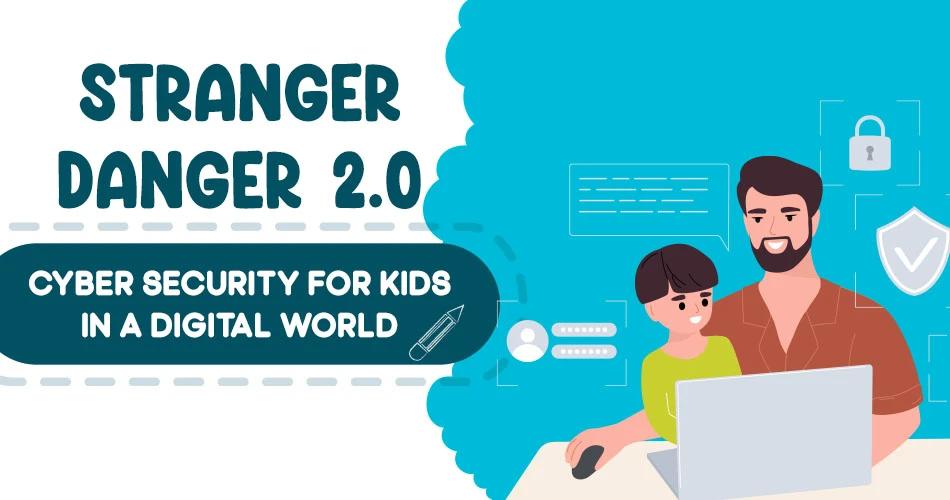
You wouldn’t leave your child alone with a stranger at the park.
So why leave them unguarded online?
In today’s hyper-connected world, cyber threats have evolved, and unfortunately, so have the ways predators reach our children. From seemingly innocent games to direct messages on social media, children are now more accessible and vulnerable, than ever before.
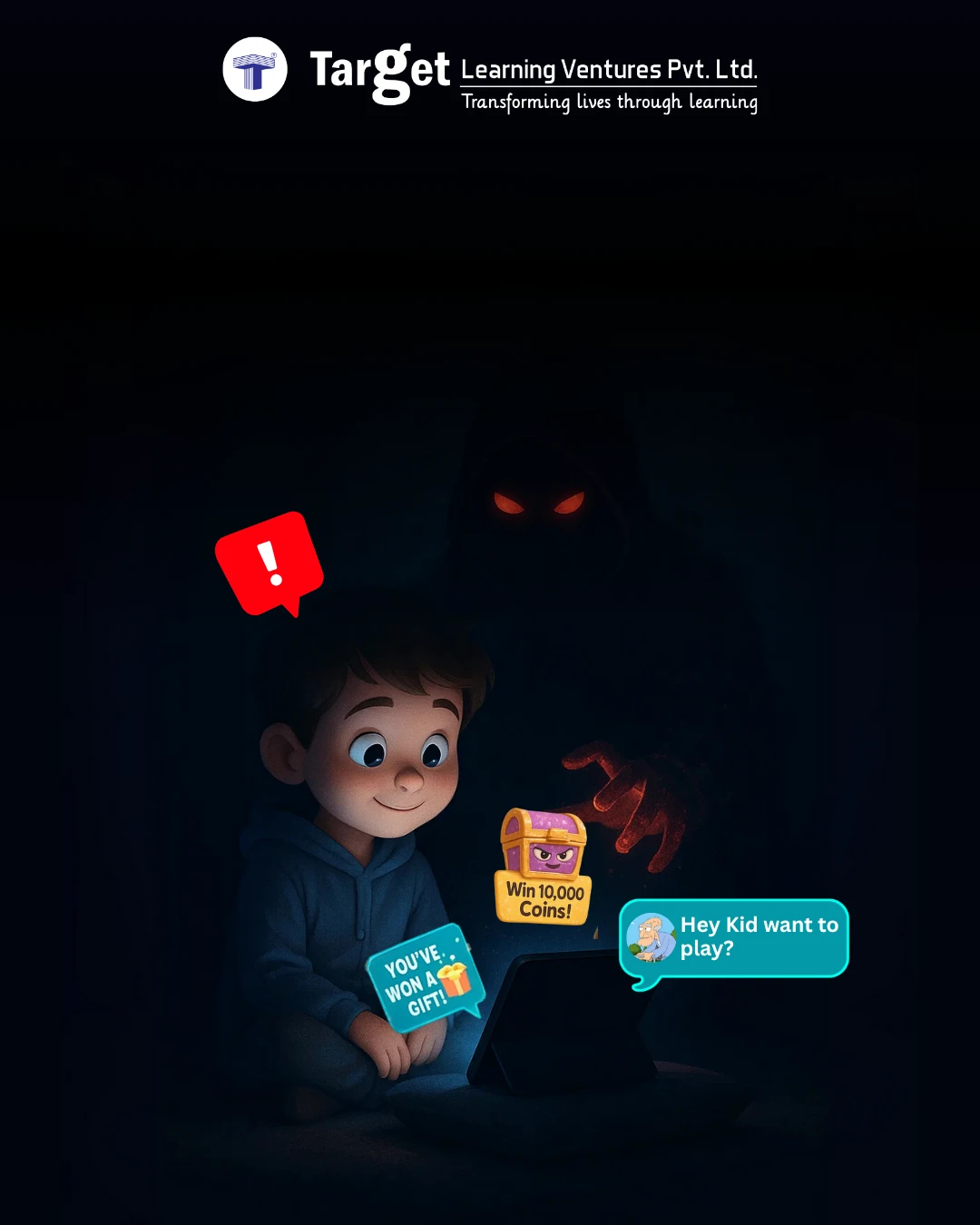
Dark threats often wear bright colors
The Digital Playground Isn’t Always Safe
For many kids, the screen is their playground. Whether it’s YouTube, gaming apps, or chat-based learning platforms, digital spaces are where they explore, learn, and connect. But behind friendly usernames and flashy avatars, there can lurk strangers with dangerous intentions.
You might be aware of some common threats such as:
- Online grooming through gaming chats and social DMs
- Exposure to inappropriate content (intentionally or accidentally)
- Cyberbullying and peer pressure
- Addiction to reward-based games designed to exploit dopamine responses
- Data theft via third-party apps and unsecured networks
The Silent Entry Points
Unlike physical danger, cyber threats are invisible. The messages are private, the games look harmless, and the notifications feel urgent. Most parents don’t realise something is wrong until it’s too late. Traditionally, ‘stranger danger’ warned kids not to talk to unfamiliar adults in public places. It hasn’t disappeared, it has just changed form. Now, it wears a friendly username.
Signs Your Child May Be At Risk
- They suddenly hide screens or change tabs when you enter
- They’re overly secretive about who they’re talking to online
- Mood swings after gaming or chatting sessions
- Requests for money or strange in-app purchases
- Changes in sleep or appetite patterns
Did you know that a young boy recently spent a large portion of his family’s life savings on an online game?
This incident is a stark reminder of how easily things can spiral. Read the full story here.
What You Can Do (Without Becoming ‘That’ Parent)
1. Start Open Conversations Early
Talk to your child about online safety just like you would about crossing the road. Keep it age-appropriate, honest, and ongoing.
2. Teach the Rule of ‘Online Strangers’
If they wouldn’t talk to someone in real life, they shouldn’t chat with them online.
3. Use Parental Controls—But Don’t Rely Solely on Them
Install filters, monitor usage, and block harmful content, but also build trust. Let your child feel safe coming to you if something doesn’t feel right.
4. Limit Screen Time and Diversify Activities
Encourage offline hobbies like books, outdoor play, arts—so the screen isn’t their only escape or reward system.
Struggling to keep your child engaged without screens?
Try Target Publications’ wide range of story and activity books—designed to entertain, educate, and spark imagination away from devices.
5. Educate Yourself
Stay updated on the latest apps, games, and platforms your child uses. What looks educational might have hidden chat rooms or ad tracking.
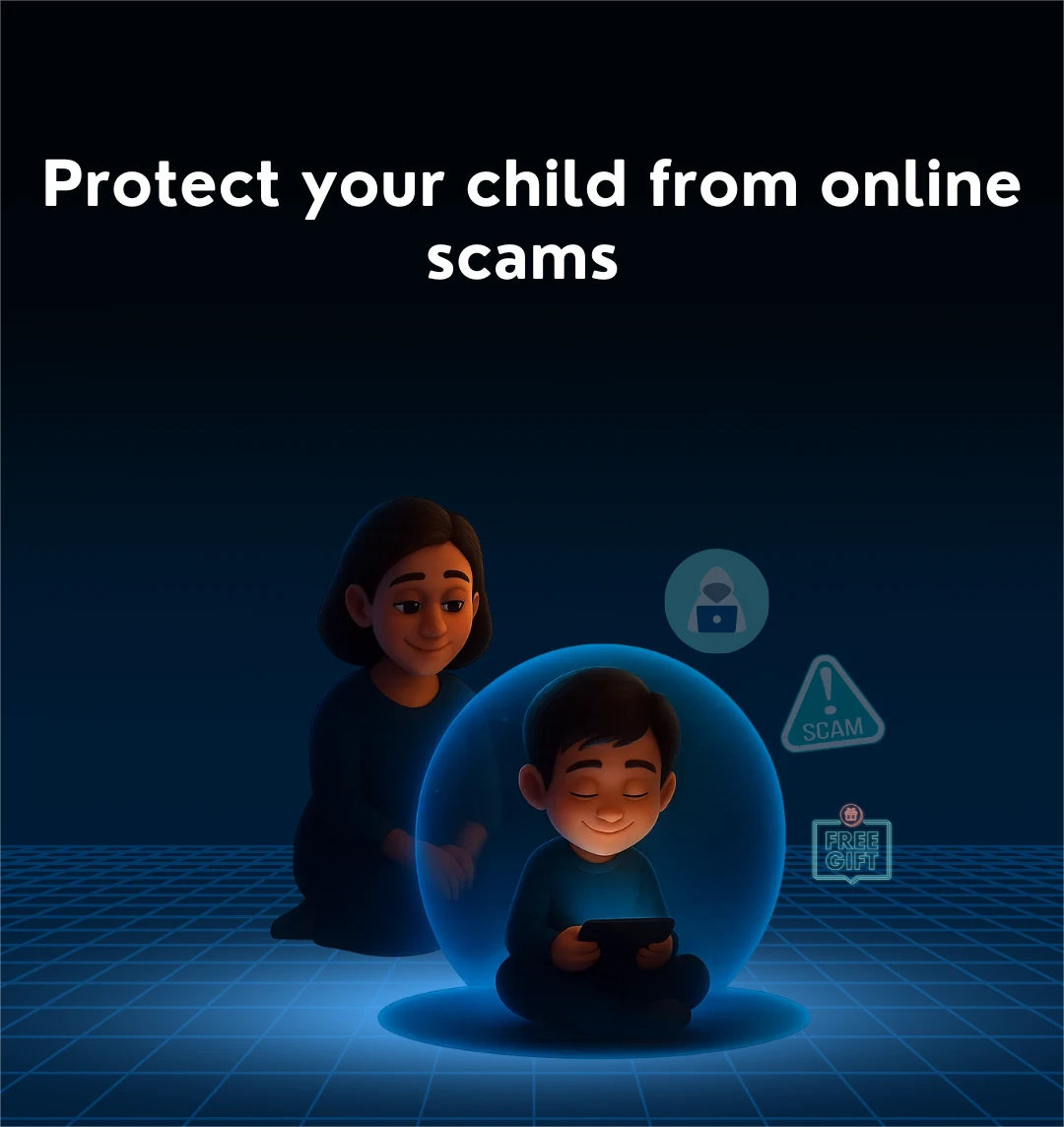
Protect young eyes from online lies.
Final Thought
We teach our kids not to talk to strangers. But today, the strangers don’t come to the door. They come through Wi-Fi. In such a case, awareness is your child’s best defense.
FAQs
1. What are the most common online threats faced by children today?
Ans: Children face various cyber threats such as online grooming, cyberbullying, exposure to inappropriate content, phishing scams, and data privacy breaches—especially through social media and gaming platforms.
2. How can I protect my child from online predators?
Ans: You can protect your child by setting parental controls, keeping open communication, educating them about online strangers, monitoring screen time, and staying updated on the apps and games they use.
3. At what age should I start talking to my child about internet safety?
Ans: It's best to start discussing online safety as soon as your child begins using digital devices, usually around age 5–7. Use age-appropriate language and update the conversation as they grow older.
4. Are parental control apps enough to keep my child safe online?
Ans: Parental control apps are helpful tools, but not foolproof. They work best when combined with trust-building, regular conversations, and teaching your child how to recognise and avoid online threats themselves.
5. What are signs that my child may be in danger online?
Ans: Look for changes in behavior such as secrecy around devices, emotional outbursts after screen use, excessive screen time, withdrawal from family, or strange financial requests—all of which can signal cyber issues.