
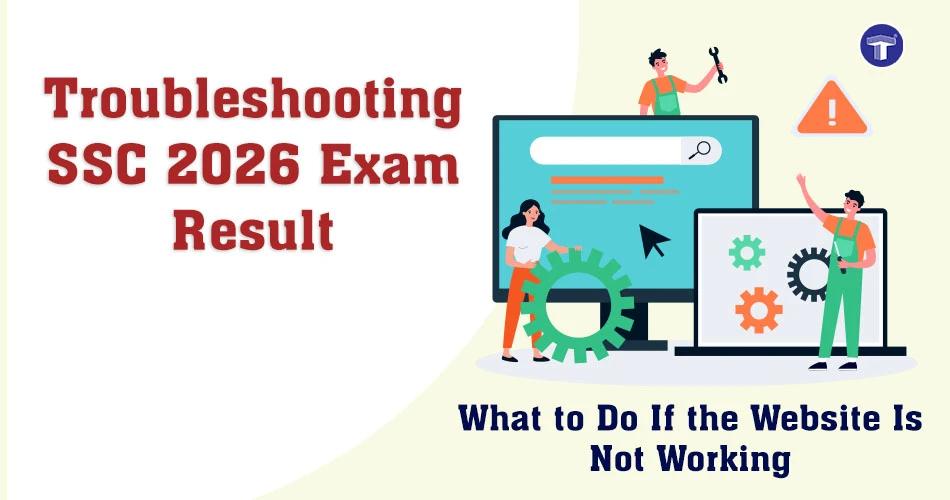
The wait for the Maharashtra SSC Result 2026 is almost over, but many students may face issues like SSC site not working or slow loading pages due to heavy traffic. With lakhs of students checking results at the same time, it is common to see problems like SSC website down, SSC server crash, or SSC result failed to fetch errors.
If you are facing such issues, don’t worry. This guide explains why the SSC website is not working and how to access your results using alternative methods like SMS, DigiLocker, and official portals.
Why SSC Website is Not Working?
During result declaration, many students search for why SSC website is not working or experience messages like SSC result failed to fetch. This usually happens because:
Too many users are trying to access results at the same time
Temporary server overload or SSC server crash
High traffic leading to slow response or downtime
Network or browser-related issues
In simple terms, the SSC website down issue is mostly due to overload, not a technical failure.
Alternative Ways to Check SSC Result 2026 Online
If you are unable to access SSC results online, try these methods:
Official Websites
- results.targetpublications.org
- mahresult.nic.in
- mahahsscboard.in
- hscresult.mkcl.org
- hscresult.mahahsscboard.in
- results.digilocker.gov.in
You can also search for SSC maharashtra result online if direct links are slow.
Troubleshooting: What to Do If SSC Site Not Working
If you are facing issues like SSC result link not working or unable to see SSC result, try these troubleshooting steps:
- Clear browser cache and cookies
- Switch browsers (Chrome / Firefox / Edge)
- Retry after some time during low traffic hours
- Check internet connection stability
- Refresh the page instead of multiple rapid attempts
These steps often fix errors like SSC result failed to fetch (which usually indicates server overload or request timeout).
How to Check SSC Result by SMS
If websites are not loading, you can use SMS:
- Open your messaging app
- Type SSC roll number
- Send it to the official Board SMS number (announced by MSBSHSE)
This is one of the fastest ways when SSC site not working issues occur.
How to Check SSC Result Marksheet with Number
If you are searching how to check SSC result marksheet with number, follow these steps:
- Visit official result portal
- Enter your seat/roll number
- Submit details to view marksheet
- Download and save PDF copy
This is the standard way for SSC results online access.
How to See Result on DigiLocker
You can also check your result via DigiLocker using the steps below if you are searching how to see SSC 2026 result on DigiLocker:
- Log in to DigiLocker app or website
- Go to ‘Education Documents’ section
- Select Maharashtra Board
- Enter your seat number
- Download your digital marksheet
You can also search DigiLocker SSC marksheet download to access your official digital certificate.
What to Do If You Are Still Unable to Access SSC Result?
If you still face issues like SSC website down or unable to see SSC result, try:
- Waiting for 15–30 minutes
- Using mobile data instead of Wi-Fi
- Accessing alternate official portals
- Trying early morning or late night hours
Conclusion
Issues like SSC site not working, SSC server crash, or SSC result link not working are common during result day due to heavy traffic. Instead of panic, use troubleshooting steps, SMS, or DigiLocker to access your result easily.
Stay calm and keep retrying. Your result will be accessible soon.
Important Links
| Best Out of 5 Rule in SSC 2026 Board Exams: What Students Should Know | Your Guide to Choosing the Right Career options after 10th Board Exams |