


The Indian Institute of Technology (IIT) Kanpur has officially released the admit cards for JEE Advanced 2025 on 12 May. All registered candidates can now download their hall tickets by visiting the official website at jeeadv.ac.in.
Steps to Download JEE Advanced 2025 Admit Card
1. Go to the official website: jeeadv.ac.in.
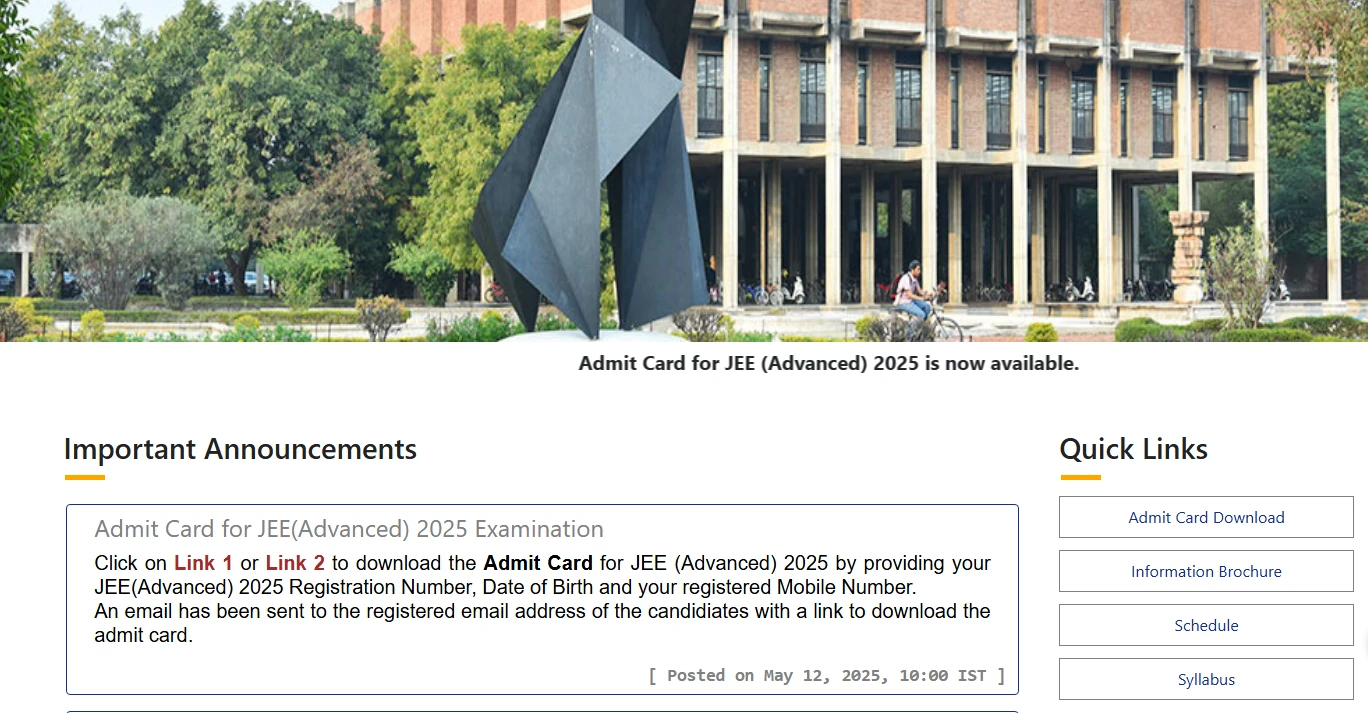 Download JEE Advanced 2025 Admit Card from the official portal
2. Click on the link titled ‘JEE Advanced Admit Card 2025’ on the homepage.
3. Log in by entering your registration number and date of birth.
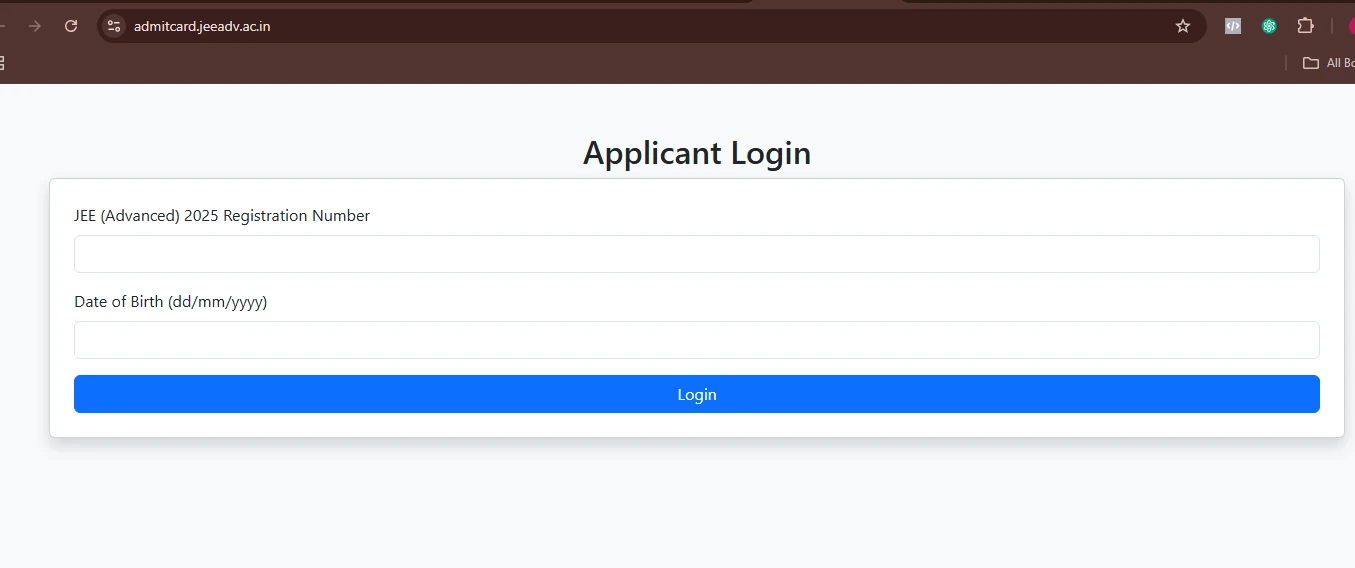 JEE Advanced 2025 Applicant Login Portal
4. Your admit card will appear on the screen.
5. Download and print the admit card.
The admit card will contain crucial details, such as your name, JEE Advanced 2025 roll number, JEE Advanced application number, date of birth, category, contact details, photograph, signature, and the exam centre name and address.
You are advised to carefully check the details on your admit card, including personal information and exam centre details. If there are any discrepancies, you must contact the exam authorities immediately for corrections.
JEE Advanced 2025: Exam Date and Timing
The JEE Advanced 2025 exam will be held on May 18 in Computer-Based Test (CBT) mode. The exam will consist of two papers, with the following timings:
- Paper 1: 9:00 a.m. to 12:00 p.m.
- Paper 2: 2:30 p.m. to 5:30 p.m.
Make sure to arrive at the exam centre well in advance with your printed admit card and a valid photo ID for verification.
Source
Official Announcement by JEE Advanced IIT Kanpur, 12 May, 2025: click here to read.
Kindly note that any and all information is subject to change as per IIT Kanpur, Education Ministry, and the Government of India.
Important Links
| JEE Advanced 2025: Back to 2 Attempt Rule by JAB | JEE Advanced 2025 Exam Date Announced! |